
What's new at a glance
The 19.x release cycle delivers a wave of AI capabilities tightly woven into the Odoo workflow, not bolt-on tools, but features embedded where you already work. Here's a structured look at everything new.
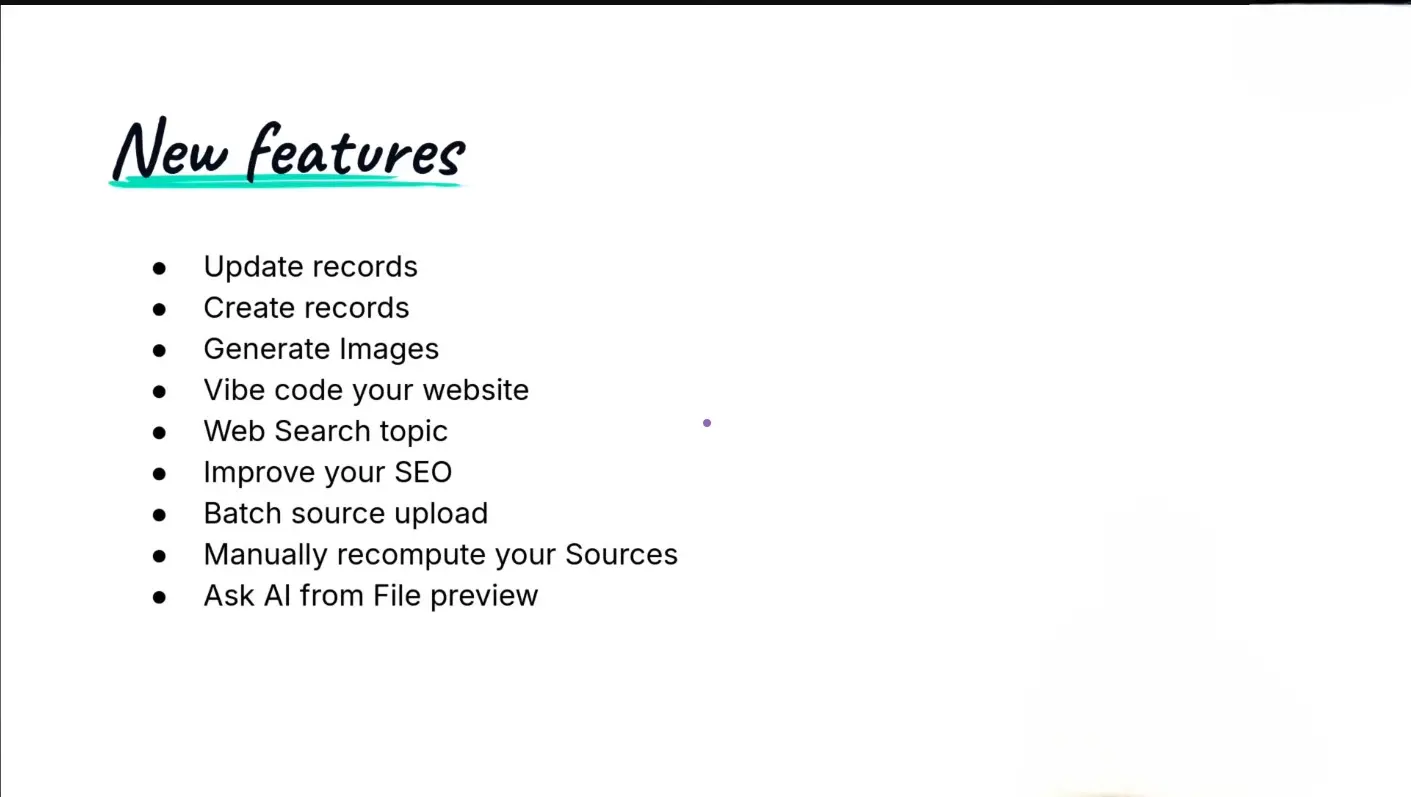
Update records with AI — Ask the AI agent to modify any field in any record, directly from chat.Create records with AI — Generate new products, contacts, opportunities, or quotations through a natural language prompt.Generate product images — Upload one photo of your product and ask the AI to place it in a scene — ocean, sunset, or studio.Vibe code your website — Describe your brand and desired style; Odoo AI builds the full page with blocks, colors, and theme.Web search in prompts — Include a URL in your prompt and the AI will fetch and incorporate that content.AI-powered SEO — One click to auto-generate page title, meta description, and keywords for any website page.Batch source upload — Feed your AI agent multiple documents, folders, or knowledge articles at once.Manual source recompute — Trigger RAG recomputation on demand without deleting and re-uploading sources.Ask AI from document preview — Open any document in the Documents app and query its contents directly with AI.
Vibe coding your website in under a minute
The most visually dramatic feature is website generation. Navigate to any blank page in the website editor, click the AI button, and describe your brand, your hero product, and your desired color palette. Odoo's AI selects layout blocks, applies your theme, and generates a coherent landing page, typically in 30 to 60 seconds.
You can even reference an external website by URL in your prompt — the AI will fetch its design language and use it as inspiration, thanks to the new web search capability.
This works on custom pages. For app-bound pages (such as the e-commerce shop), the AI-generated theme can be copied manually. The generated pages are fully editable afterwards, blocks, colors, and text remain accessible through the standard drag-and-drop editor.
Creating and updating records through chat
Two of the most practical new features are creating records and updating records. From any supported view, open the "Ask AI" panel and describe what you want: a new product with a specific cost and sales price, tracked by serial number, or an update to change that cost after the fact. The agent confirms the action and executes it with a single click.
The real-world value becomes clear in sales and field scenarios. On a call with a prospect, you can dictate an opportunity, a contact creation, and a follow-up activity — all in one prompt — without navigating between apps or forms.
Image generation that knows your product
Standard AI image generation produces generic results. Odoo's implementation is different: it takes your existing product photo as a reference and generates a new scene around it. The same drone, the same design details — now flying over an ocean at sunset. The model renders the actual product, not a lookalike.
Generated images can be set as the main photo or added as extra photos on the product's e-commerce tab, and can be downloaded for use elsewhere.
Smarter AI agents with better sources
AI agents in Odoo are powered by RAG, retrieval-augmented generation, which means their quality depends on the sources you feed them. Version 19.3 makes this significantly easier:
Before 19.3: Sources had to be added individually, and recomputing them required deleting and re-uploading.
19.3 — Batch upload from folders and articles: Add a Documents folder, and all files inside are included. Add a parent Knowledge article, and all child articles follow. Recompute manually via a server action, which can also be automated.
19.3 — Ask AI from document preview: Open any file in the Documents app and query it with AI — summaries, specific details, keyword searches — without downloading or searching manually.
What's coming: voice-to-action

Previewed during the webinar but not yet released, voice-to-action will let users speak directly to an AI agent in Odoo, dictating the creation of records, logging activities, or updating opportunities out loud. The envisioned workflow: leave a client meeting, open Odoo on your phone, speak your next actions, and have them recorded before you reach your car.
This feature is expected in a future release. No firm date was given, but it was described as one of the most anticipated improvements to the pre-sales and post-sales workflow.
AI model and data privacy
On SaaS, Odoo uses ChatGPT by default, under a professional contract that prohibits the use of customer data for training. Data sent to the AI is limited to what's necessary to answer each query, filters and schema for view generation, specific record fields when record-level questions are asked. No database-wide data is transmitted.
Users with their own API keys can connect to a different model. Odoo has confirmed work is ongoing to support additional LLM providers, including European alternatives like Mistral, though no release date has been committed.
Availability
Most features listed here ship in Odoo 19.3 (coming soon). If you are on 19.0, 19.1, or 19.2, approximately half of these capabilities are not yet available. Create a new SaaS database once 19.3 is released to explore the full feature set.
Note: AI inference costs are borne by your AI provider account (e.g. OpenAI, Google Gemini). Token costs vary by model — lighter models like ChatGPT Mini or Gemini Turbo are cheaper but more limited. Choose based on your query complexity and budget.